


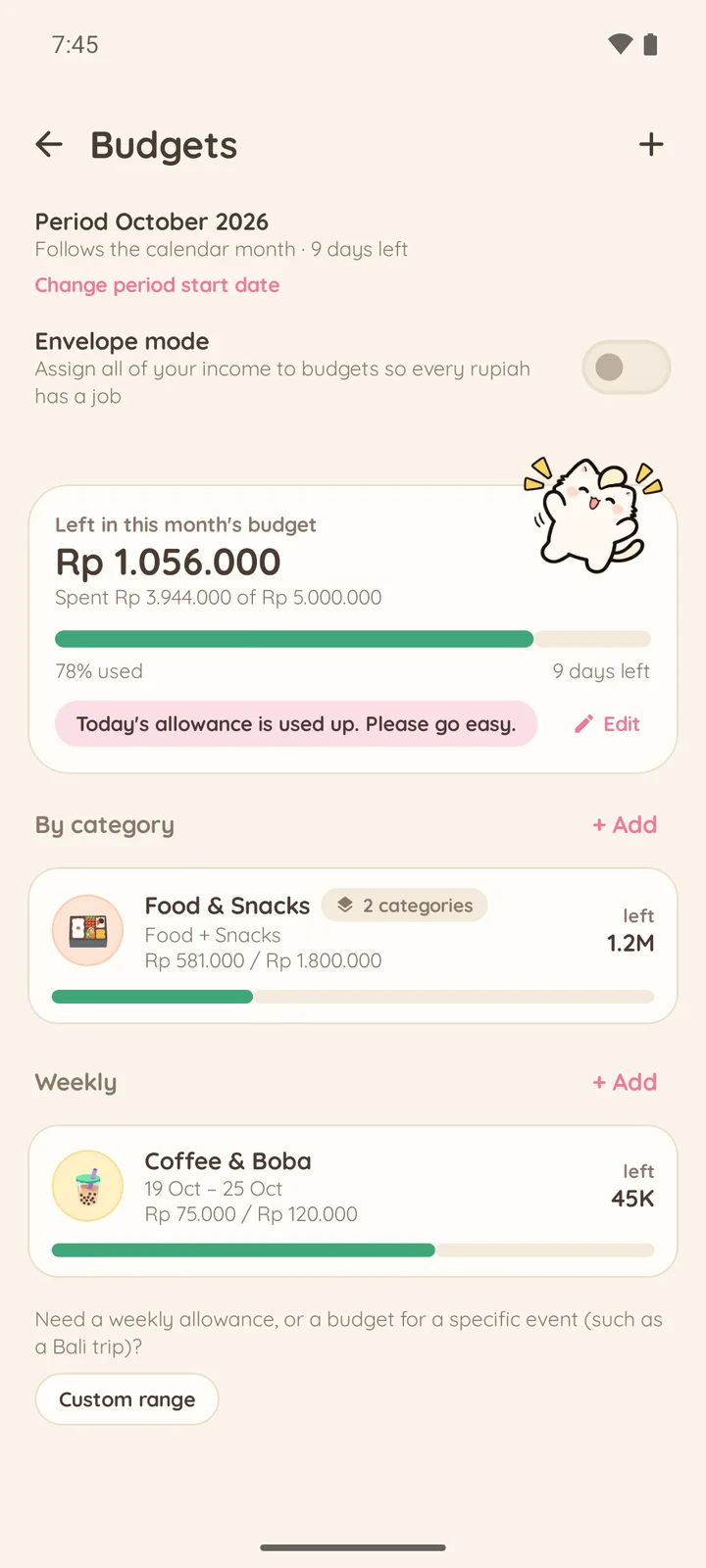
Budgets and payday cycles
Monthly, weekly or custom budgets. Periods can start on your payday.
 Money tracking with Koin
Nekoin logs your income and expenses in seconds, with Koin the white cat cheering you on. No account needed, and your records stay on your device.
Want to try it first? Become a tester
Nekoin is built to make tracking money quick and fun, not a chore.
Type "lunch 25k, taxi 18k" and Nekoin creates two entries at once. Voice input works too.
Take a photo and the store name, items, discounts, tax and total are read right on your device.
Koin reacts to every entry with a personality you choose, plus badges and streaks.
From daily entries to savings goals, everything is easy to read.
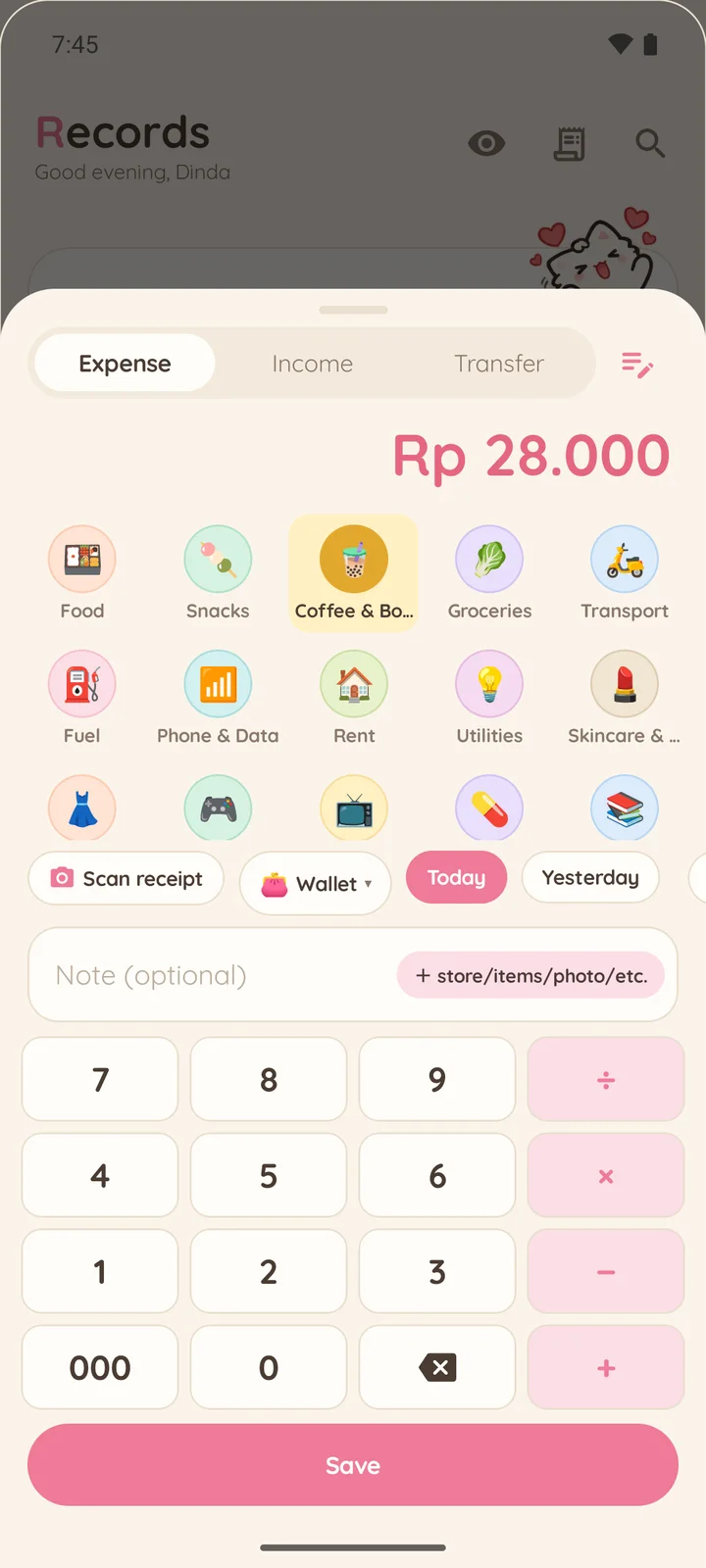
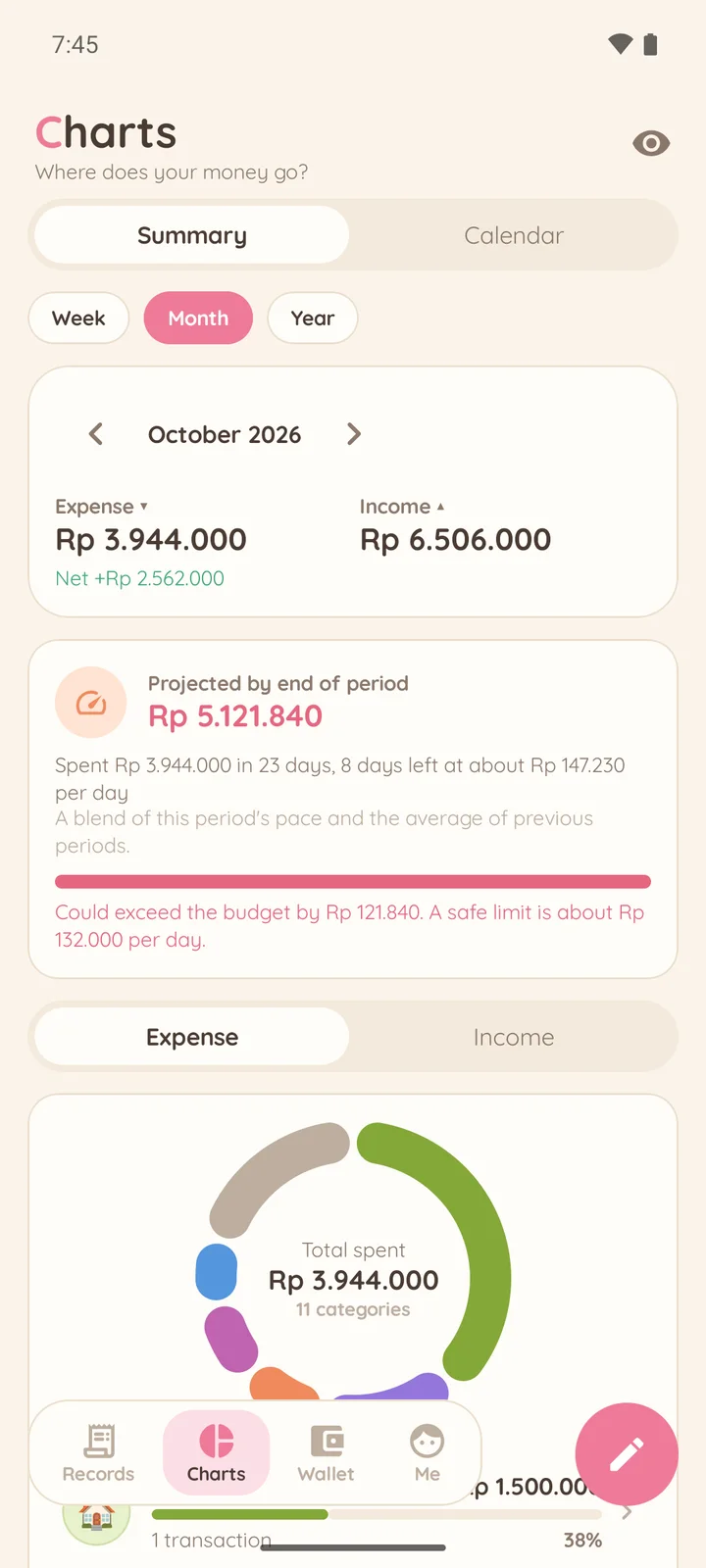
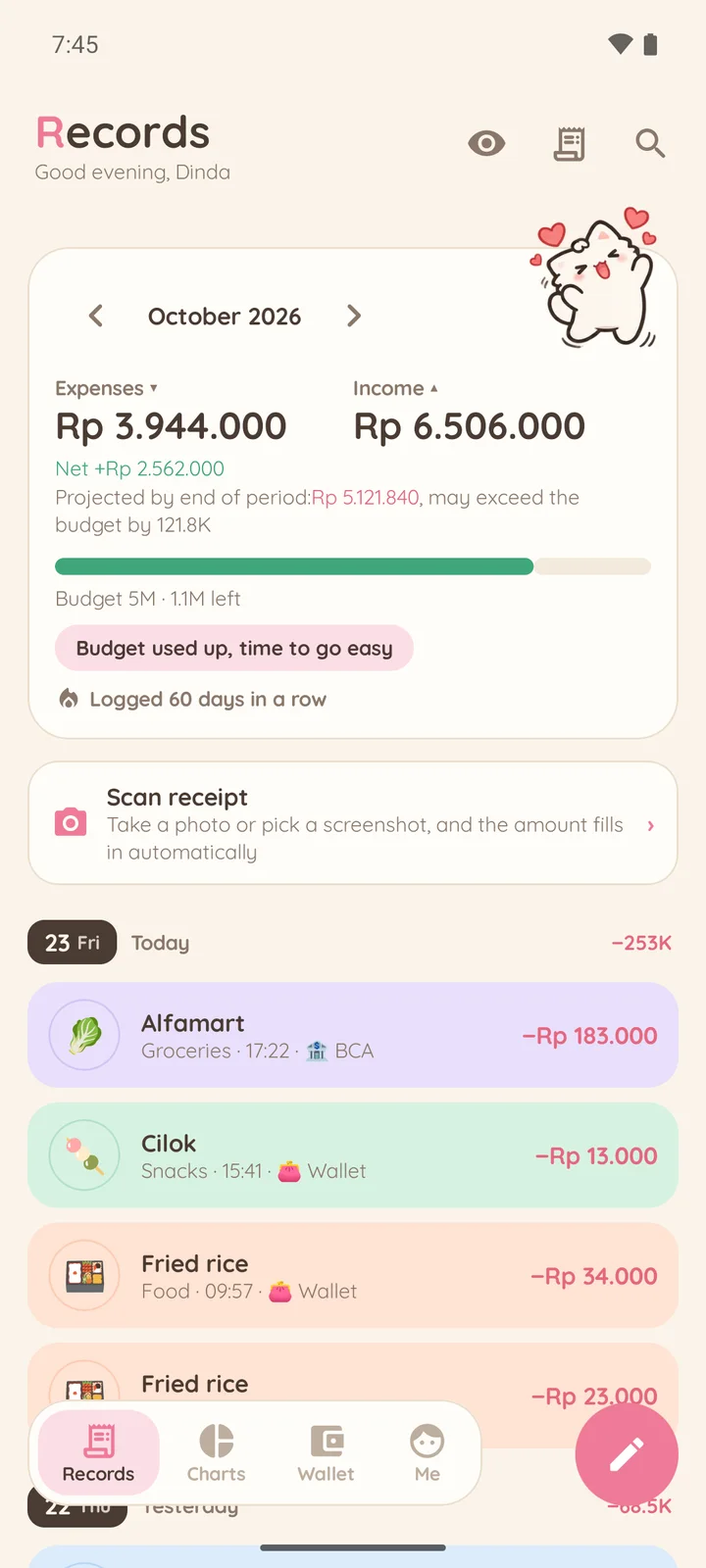
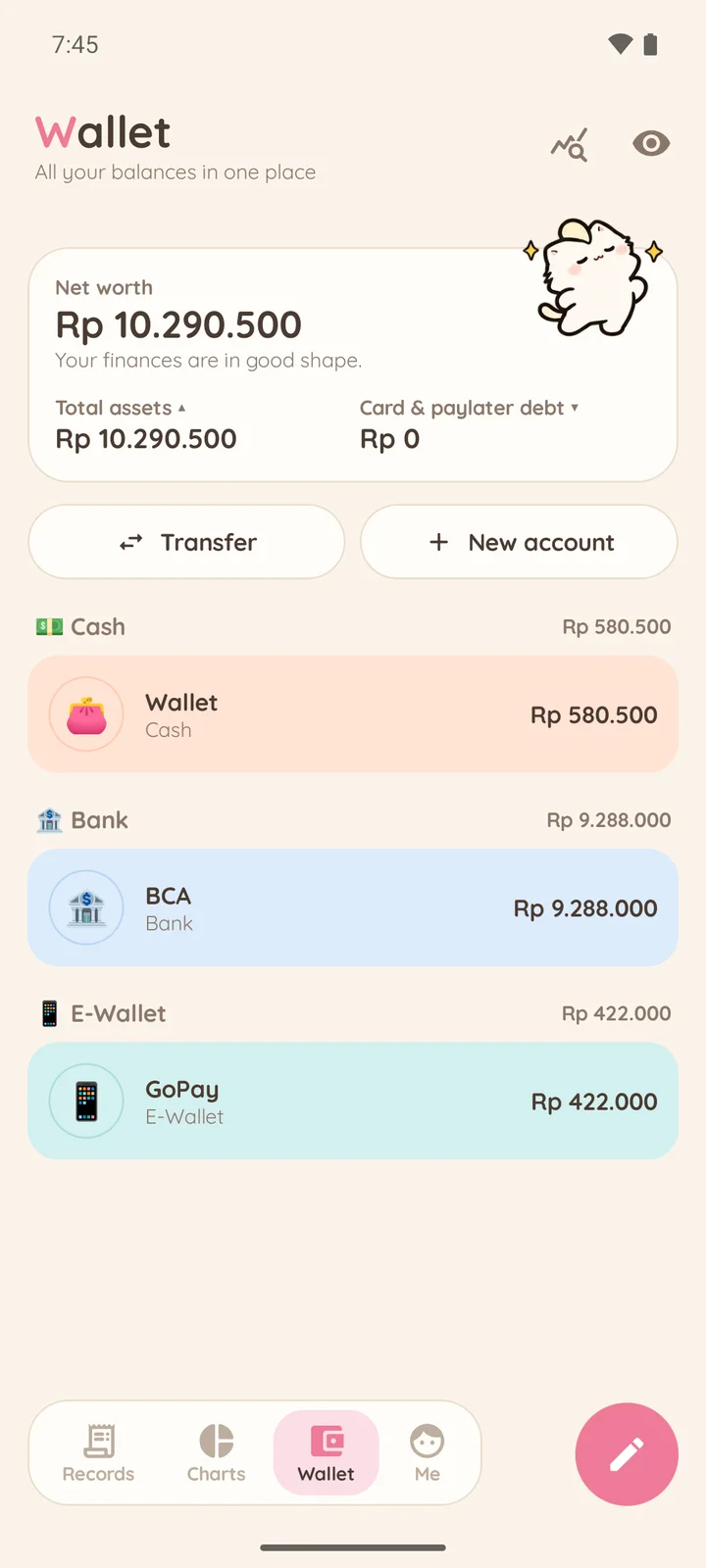
Koin is a white cat who cheers you on every time you log something.
Everything you need to manage everyday money.
Monthly, weekly or custom budgets. Periods can start on your payday.
Transaction notifications from the bank and e-wallet apps you choose wait in a queue for your approval. Nekoin Plus only.
Rupiah shorthand (rb/jt), local bank presets, a THR planner, zakat calculator and arisan.
Keep personal, business and holiday records in separate books.
Log straight from your home screen or the Quick Settings panel.
Save every entry, including receipt photos, to a file you choose. CSV export and import are included.
The free version shows small ads that never appear while you are logging.
Prices may differ depending on Google Play in your country.
Help us test it before the official release. It is free, and we read every piece of feedback.
Join the Widzu Testers Google Group with the Google account you use on the Play Store.
Open the Nekoin testing link, then tap "Become a tester".
After a few minutes, you can install the app from the Play Store as usual.
Still have a question? Send it through the Help menu in Nekoin.
No. You can start using Nekoin right away without an account, and your records stay on your device.
No. Nekoin only records. Auto-capture reads notifications from the bank or e-wallet apps you choose, on your device, and every transaction waits for your approval.
Use Backup to save every entry, including receipt photos, to a file you choose, then restore it on your new phone. Nekoin Plus can also make scheduled automatic backups.
Nekoin is in closed testing on Google Play. You can try it early by becoming a tester. An iPhone version is not available yet.
No. Debts, instalments, paylater and arisan are for record keeping only. Nekoin does not provide loans, payments or any other financial service.